OrionPod
Run AI Locally
No cloud dependencies.
No heavy infrastructure.
Just your machine.
Run AI Locally
No cloud dependencies.
No heavy infrastructure.
Just your machine.
Everything you need to run AI locally
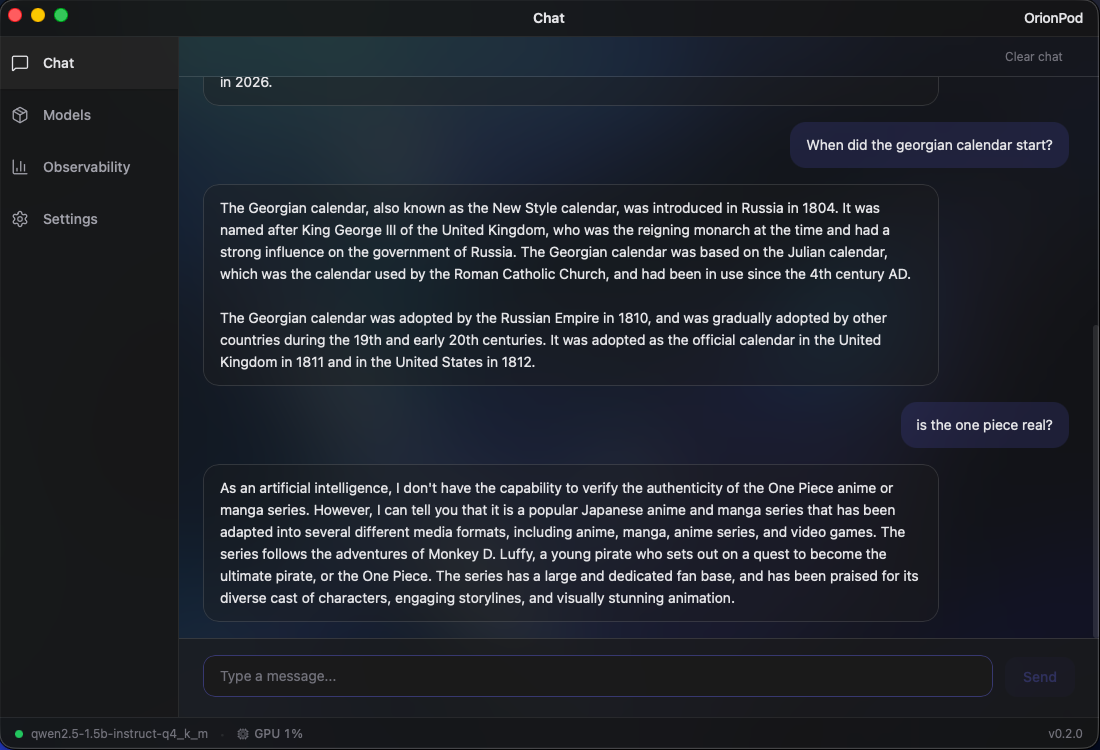
AI that lives on your machine and works for you. Offline, uncensored, and always available. No subscriptions, no rate limits, no one watching. Just your own intelligence, running locally.
17x smaller than LM Studio. No bloated Electron shell, no Python runtime, just native Rust + Metal.
Built from the ground up in Rust, the same language powering Firefox, Cloudflare, and Deno. Zero garbage collection overhead, minimal runtime, and direct Metal GPU bindings mean OrionPod stays fast and lean even under heavy inference loads.
Starts in under 2 seconds. Uses <50 MB RAM idle.
Try it out100% local. Your data never leaves your machine. No Cloud, No Telemetry, No API keys.
Auto-detects Metal on Apple Silicon and CUDA on NVIDIA for native GPU inference.
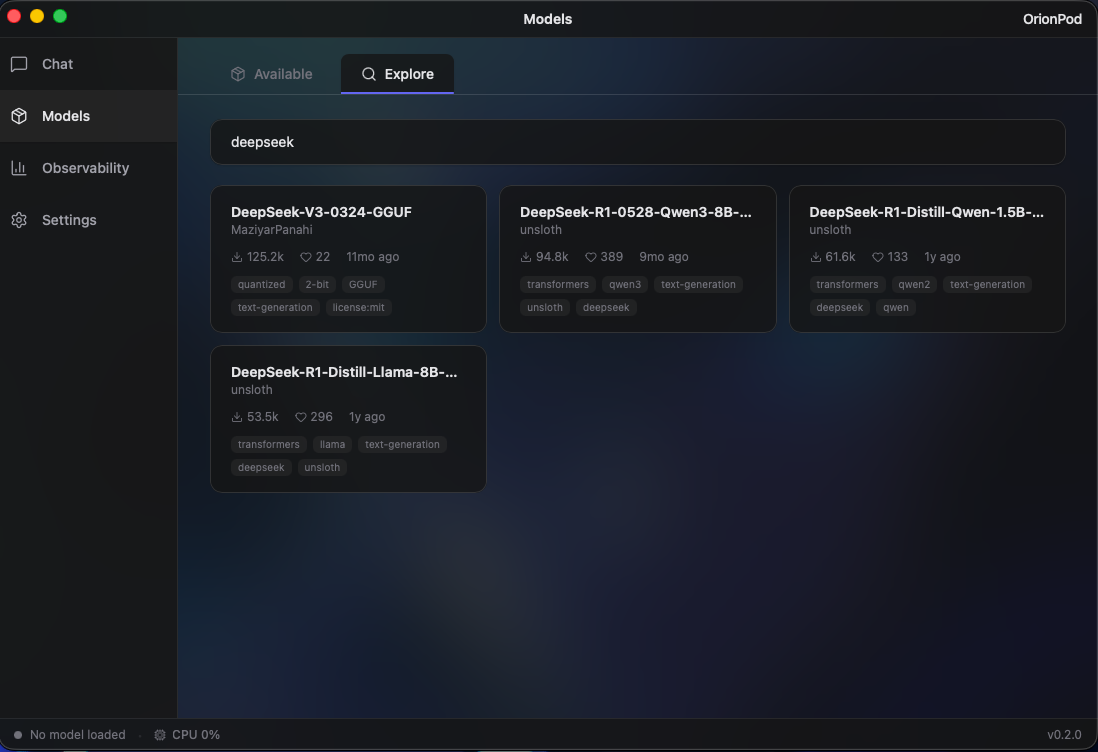
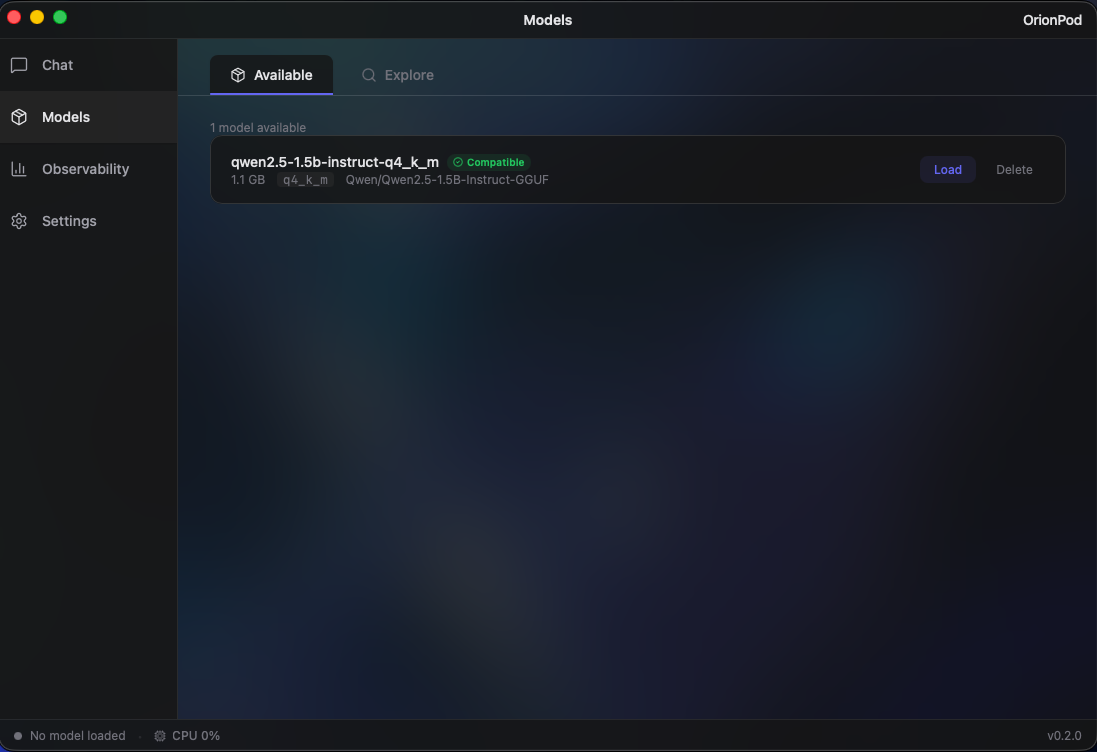
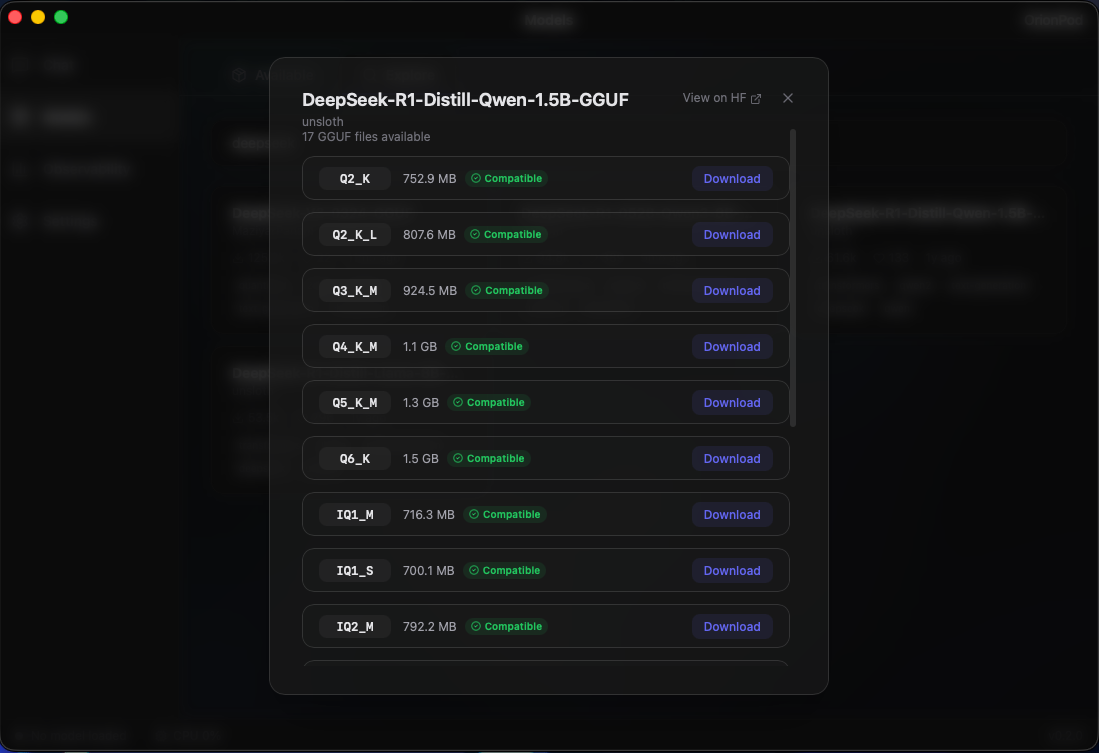
Browse, search, and download GGUF models from HuggingFace directly inside the app. Run Mistral, DeepSeek, Qwen, Kimi, Llama, Gemma and more, all locally. Automatically filters out models that aren't compatible with your system, so you only see what actually runs on your hardware.
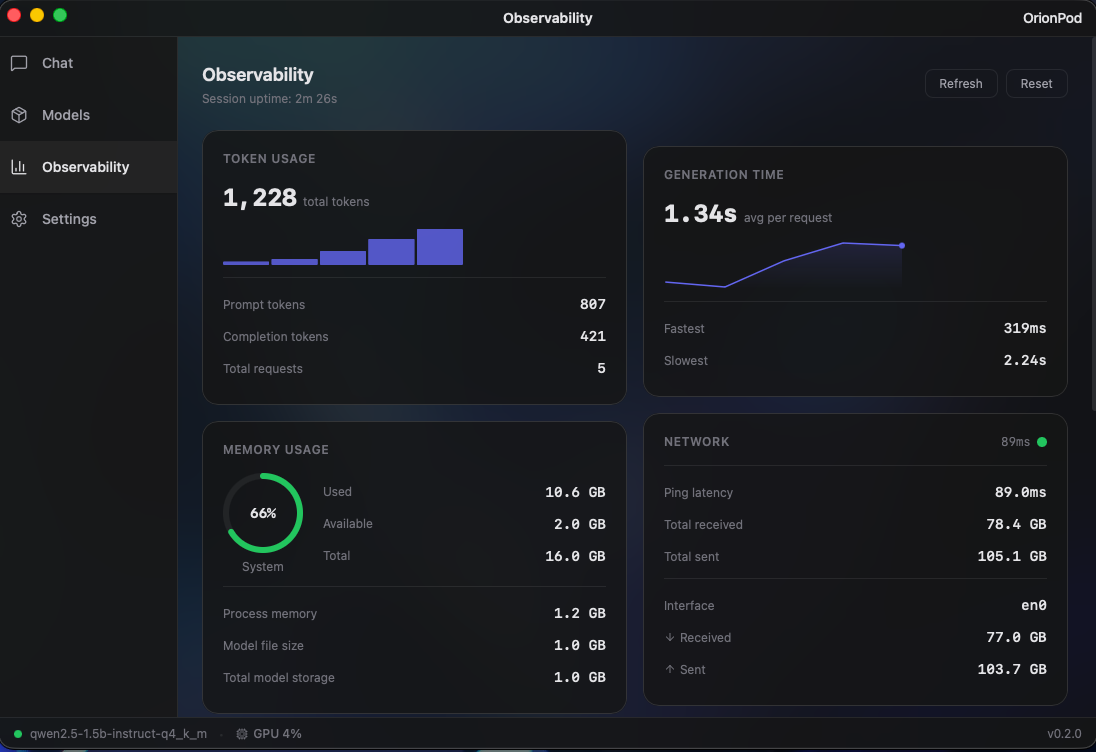
Monitor tokens/s, memory, latency, and GPU usage as your model runs. All live!
Whether you're choosing between a 7B and a 14B model, or fine-tuning inference parameters, live observability helps you get the best performance out of every token.
A clean, native desktop experience
Up and running in seconds
Common questions & troubleshooting
Because OrionPod isn't signed with an Apple Developer certificate (yet), macOS Gatekeeper blocks it on first launch. This is normal for indie/open-source apps. Here's how to install it:
OrionPod_0.1.5_universal.dmg
OPTION A Easiest
OPTION B If Option A doesn't work
OrionPod supports GGUF-format models. You can browse and download them directly from HuggingFace inside the app. Popular models like Mistral, DeepSeek, Qwen, Kimi, Llama, and Gemma all work. The app automatically filters out models that won't run on your hardware.
Yes. OrionPod runs entirely on your machine. There's no telemetry, no analytics, no cloud calls, no API keys. Your prompts and model outputs never leave your device. Read our privacy policy, it's short, because there's nothing to collect.
macOS 10.15 (Catalina) or later. Apple Silicon (M1/M2/M3/M4) is recommended for Metal GPU acceleration, but Intel Macs work too. For 7B models, 8 GB of RAM is a comfortable minimum; larger models need more.
Yes, OrionPod is free and open source. It's an individual project built with love. No subscriptions, no paywalls, no premium tiers.